Are you using Shariiing Advanced and want to take full advantage of its features? Download the Shariiing Client app.

Sign in
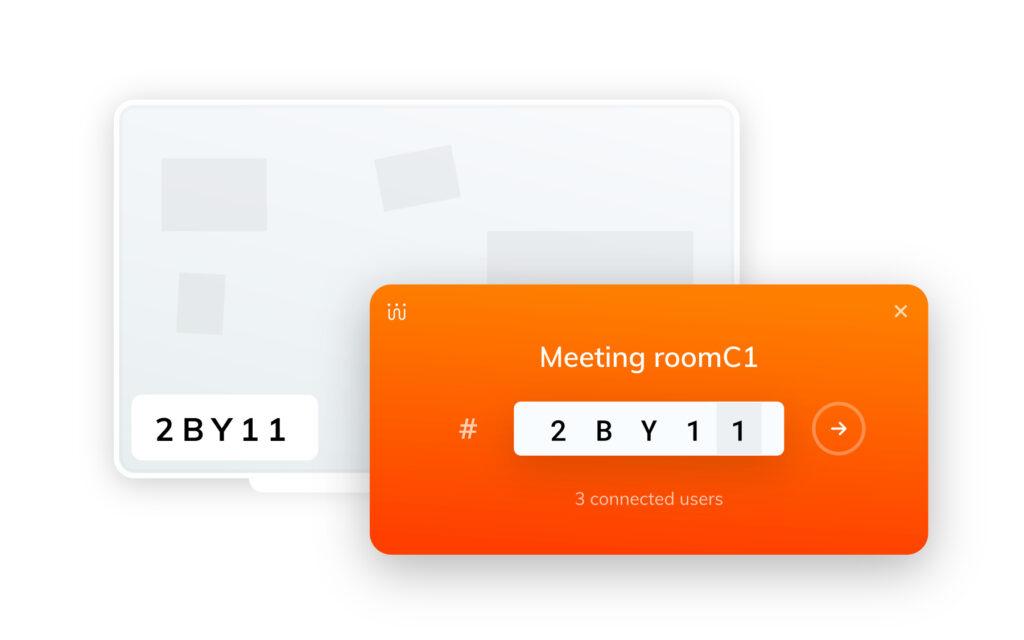
Connect to the same network as the Shariiing screen you want to join.
Enter the access code displayed on the Shariiing screen.
Share your screen
Share your screen with a single click. Stay in control with the pause feature.
Control your device remotely from the Shariiing screen.
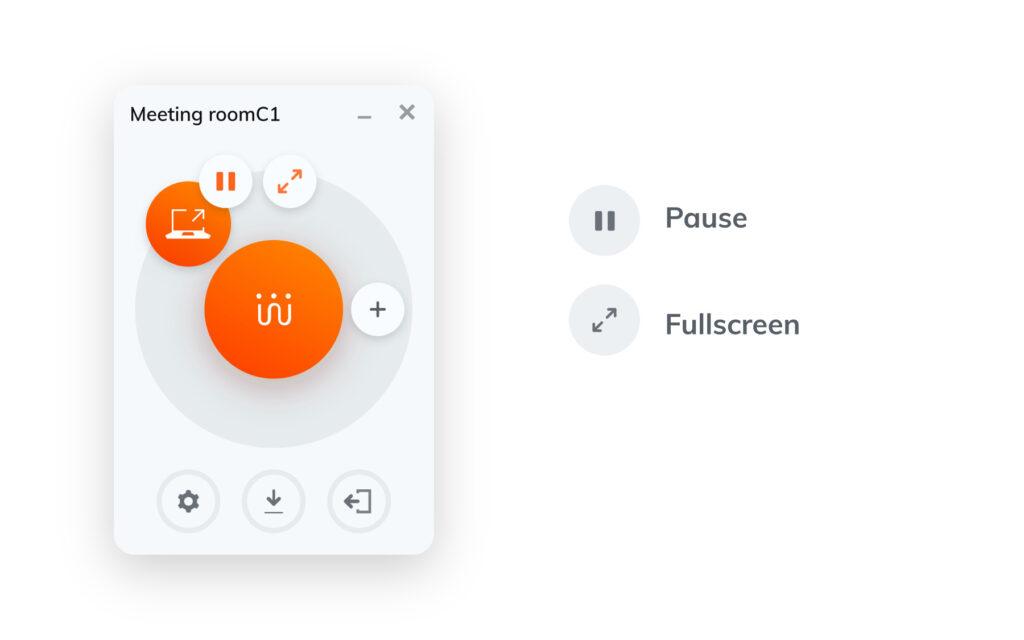
Send documents
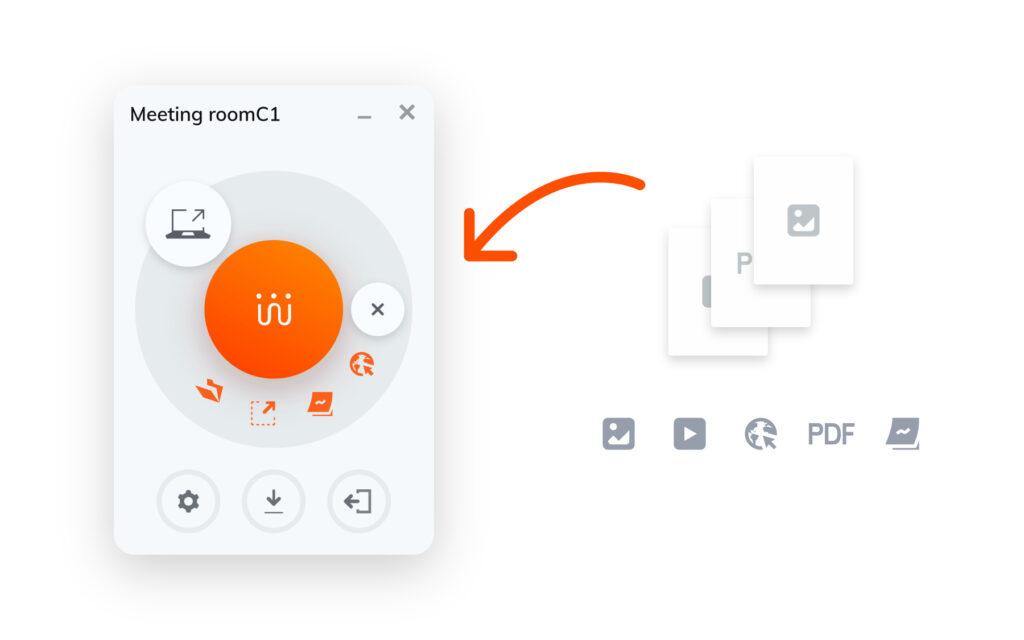
Drag and drop your documents to send them.
Share a screenshot, create notes, and send web pages.
Capitalize
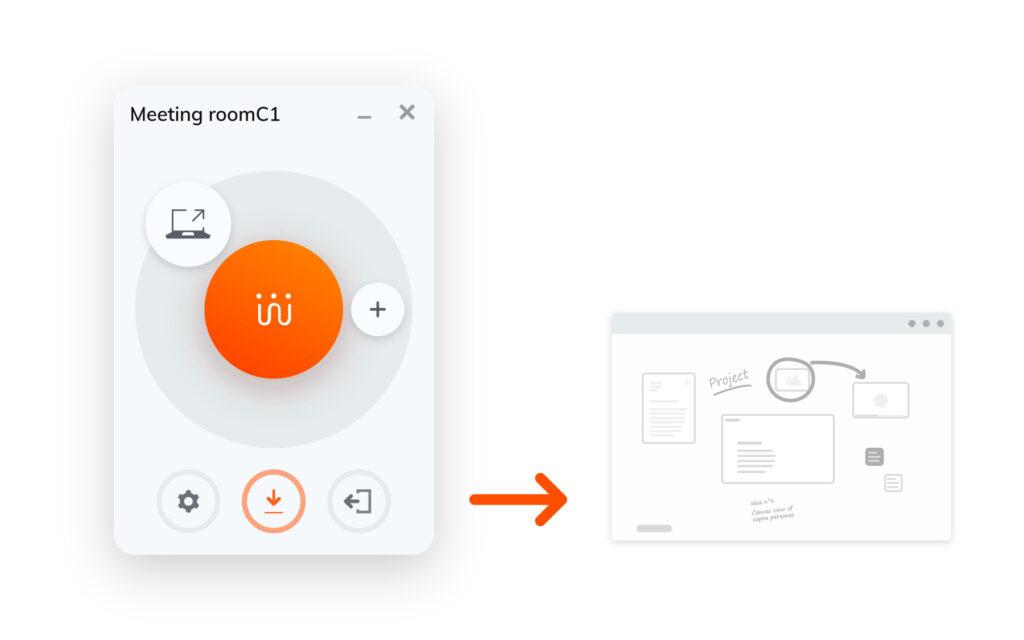
Save the results of your meeting by taking a screenshot of the Shariiing screen.
For more information or a personalized demo, please contact us.