
Shariiing Review

Shariiing Review Everyday immersive review

Scroll

To do less,

so it can be used more often

and more widely.

The simple and
accessible XR

XR is often seen as something only for specialists.

Viewing a 3D/CAD model in a headset and running a VR design review with others is a real challenge.

Shariiing Review tackles this problem head-on, without claiming to be able to do everything.

On the contrary, it’s a deliberate choice: to do less, so it can be used more often and more widely.

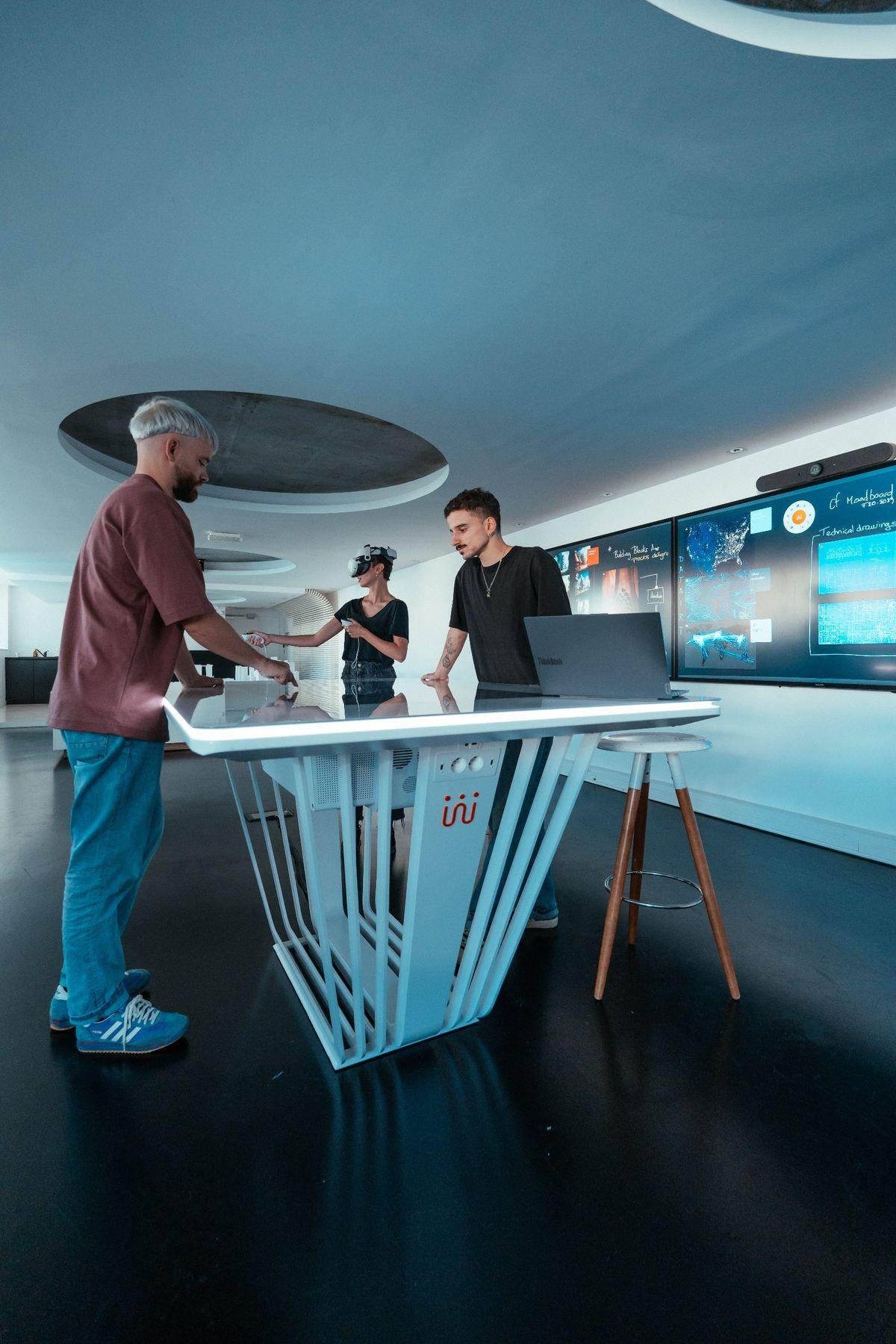
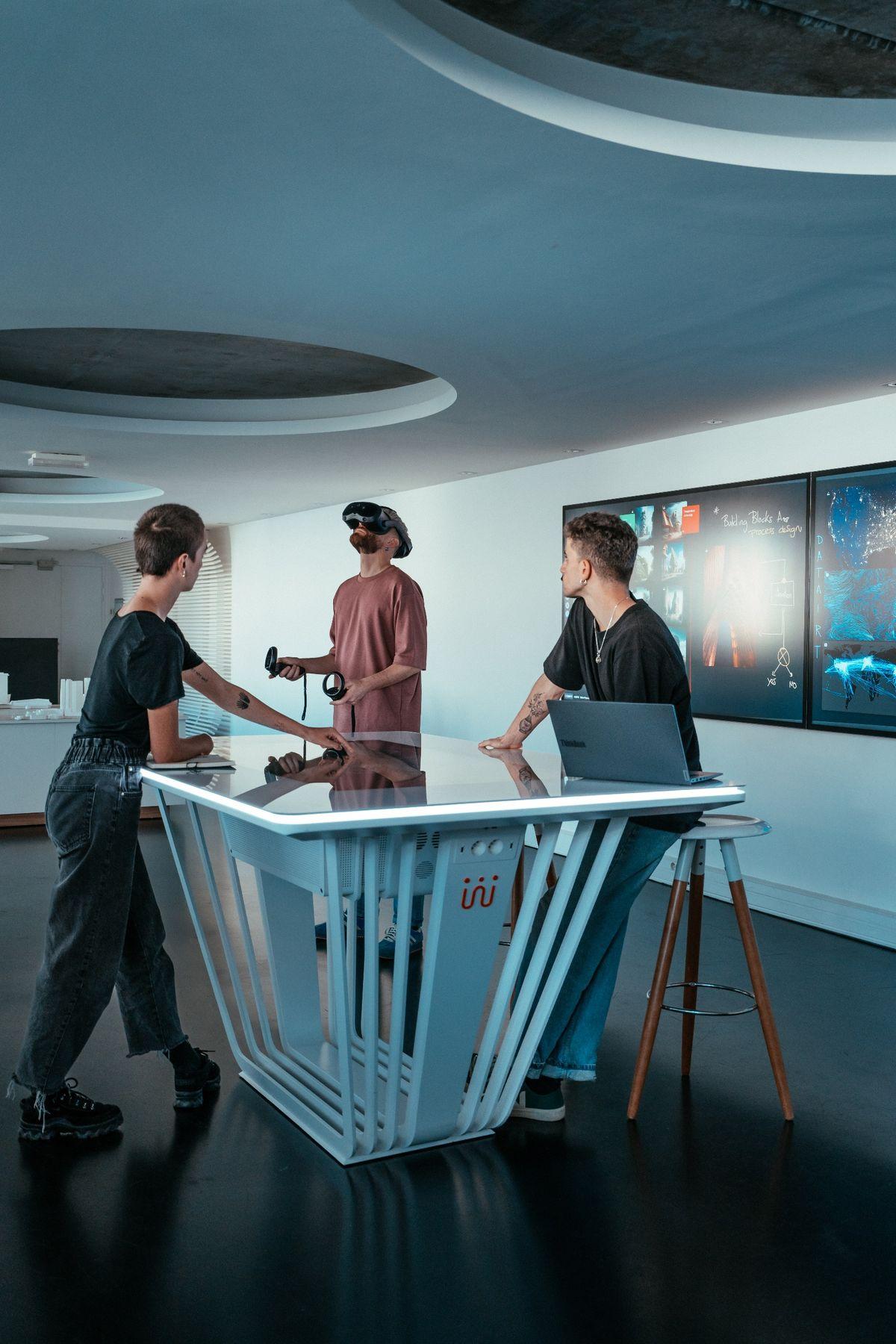
VR and MR design review around a Shariiing touch table, one of the three colleagues wearing a mixed reality headset
Mixed reality 3D model review around a Shariiing table

Standing the test
of everyday life

Shariiing Review was designed for teams that want to iterate regularly and validate quickly throughout a project.

The solution is easy to use, whether you’re an advanced user or a beginner.

Import 3D models, prepare them, and view them in an immersive environment—alone or with others… You can dive into XR in just a few clicks.

Why would you want to do that?

Design

Do you work in an engineering firm and help design products? Do you use CAD tools?

View at a 1:1 scale, detect defects more easily, make decisions on the spot…

Usages
Design review, prototype review.
Domaines
Automotive, aerospace, energy, defense, etc.

Production

Do you work in a process engineering department? Are you in charge of production or manufacturing?

Test layout scenarios or validate the ergonomics of a workstation while avoiding production downtime…

Usages
Installation of machinery or workstations.
Domaines
All types of industry.

Training
Education

Do you want to share knowledge and assess learning? Are you in charge of instructional design?

Train faster without taking machines out of service. Bring hands-on experience into the classroom.

Usages
Active, flipped, and participatory learning.
Domaines
Industrial training, technical education, engineering schools.

3 key points

Flexible, no matter the situation

Data optimization for standalone headsets or use on a workstation with a wired headset or a Powerwall. Shariiing Review adapts to your needs.

Collaboration in a heterogeneous environment

Wired or wireless headsets from different brands, paired with a Powerwall or a CAVE… Shariiing Review offers a platform-agnostic experience that is independent of technical platforms and proprietary ecosystems.

Your data remains stored locally

No streaming, no cloud storage… 3D data never leaves your organization.

Shariiing is
here for you

Shariiing Review is a gateway to the Shariiing ecosystem. With the Shariiing XR feature, you can connect your immersive devices to Shariiing Advanced screens to:

  • Share the immersive view with the audience, whether in person or remotely
  • Interact via the screen to guide and communicate with the person or people in the immersive experience

With Shariiing, your presentation becomes a powerful decision-making tool.

Presentation of a 3D city model on a Shariiing table with a video wall and an XR headset

Features and technical specifications

Shariiing Review

  • VR or MR* viewing
  • 3D annotations
  • Exploded view
  • Part manipulation
  • Scaling (zoom in/out, 1:1)
  • Add sticky notes
  • Parts tree
  • Spatialized local collaboration (LBVR)
  • Cross-section view
  • Measurement

Shariiing Review Manager

  • Natively supported 3D models: .glb
  • Import, optimization, and conversion from the leading CAD file formats on the market
  • Install the Shariiing Review app on standalone headsets via ADB
  • Supported operating systems: Windows 10 and 11

Supported systems

PCVR

  • SteamVR-compatible headsets (wired or wireless)

Standalone headsets

  • HTC Vive Focus 3 and Vision · Meta Quest 2, 3, and 3S · Pico 4 Ultra · XREAL AURA · Apple Vision Pro

Large displays

  • Powerwalls
  • CAVEs**

* For standalone headsets only.
** Requires an additional module.

Shall we get started?

The offer

  • 1 Shariiing Review Manager license for a single workstation
  • 1 Shariiing Review license for a headset (includes 2 activations)

2 000 €ex. VAT / year

Options

  • Additional activation packs for headsets
  • Dedicated Powerwall and CAVE* licenses
  • Floating licenses for deployment within organizations
  • Hosting of the synchronization server on your network for collaboration

* Requires an additional module.

FAQ

How can I connect to a Shariiing screen?

The Shariiing Review app includes the Shariiing XR plug-in, which allows you to connect to a Shariiing screen. As long as the headset and the Shariiing screen are on the same network, you can share content and interact from the screen to the headset.

Is it possible to use multiple types of devices in the same session?

Absolutely. Whether you’re using PCVR or standalone headsets—regardless of the brand—Powerwall and CAVE systems can all join the same collaboration session.

What is the maximum file size or number of polygons that Shariiing Review can handle?

It all depends on the computing power of the device you’re using. With a standalone headset, the number of polygons will quickly become a limiting factor. However, when using a PCVR headset connected to a PC equipped with a powerful graphics card, it is possible to open much more complex and larger files.

Is it possible to add remote users to collaboration sessions?

Yes, it is possible to connect remote users. Users must belong to the same organization, and each user must have the same 3D model.

Is an Internet connection required to use Shariiing Review?

An Internet connection is required to validate the license and use Shariiing Review. An Internet connection is also required for collaboration. Only position and interaction data are synchronized over the Internet. The 3D data remains stored locally.

What are the differences between Shariiing Review and apps such as IC.IDO, TechViz, VIROO, etc.?

Shariiing Review does not aim to replace such applications, which are feature-rich but cumbersome to deploy, learn, and maintain. The goal of Shariiing Review is to offer a simple visualization solution, integrated into the Shariiing ecosystem, to facilitate sharing and communication among stakeholders.

What is the GLB format?

The GLB 3D file format is a standard and widely used format. It is considered the “JPEG of 3D.”

Is it possible to connect an Apple Vision Pro to a collaboration session?

No. Shariiing Review operates differently on the Apple Vision Pro than on other devices.

Request a demo of Shariiing Review